Percy Alternatives for Teams Tired of Per-Screenshot Pricing
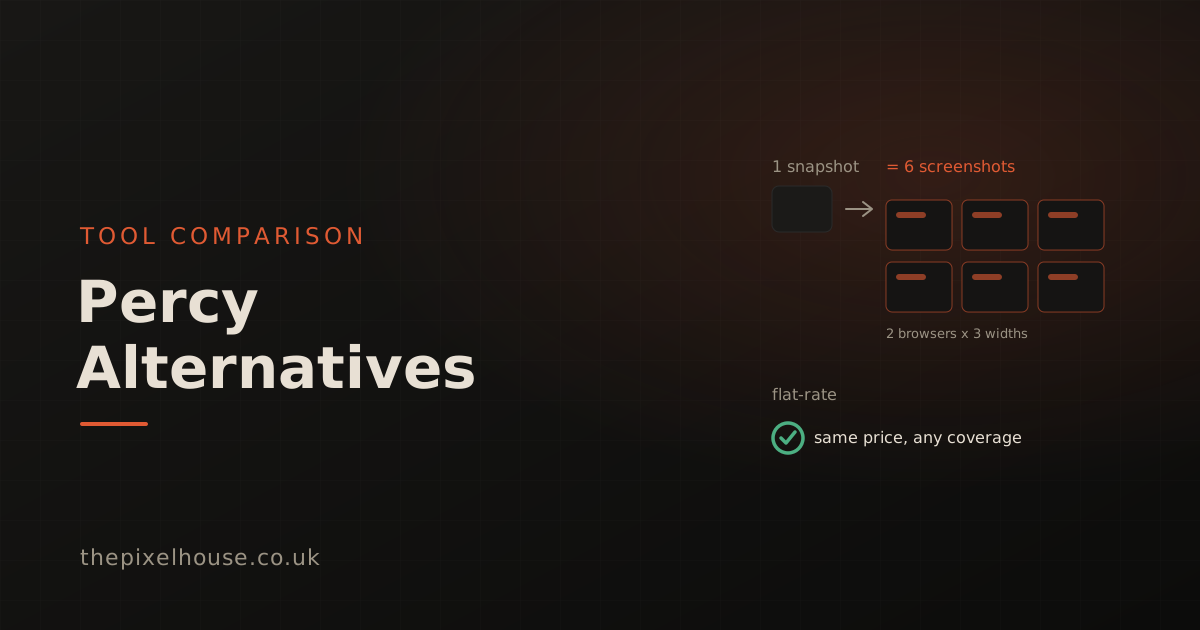
Percy is a capable visual testing tool, but its per-screenshot pricing catches teams out as they scale. The reason is the unit: one snapshot rendered across two browsers and three widths counts as six screenshots, not one. If that maths is making your bill climb faster than your test suite, this is a fair look at the alternatives, from flat-rate hosted tools to free open-source options.
Key takeaways
- Percy counts a screenshot as one page in one browser at one width, so a single snapshot multiplies across every browser and viewport you test.
- Percy does not publish its paid-tier prices or per-screenshot overage rate publicly, which makes cost hard to predict before you commit.
- Flat-rate alternatives like The Pixel House remove the per-screenshot multiplier; per-snapshot tools like Chromatic and enterprise platforms like Applitools trade one model for another.
- Free open-source tools (Playwright, BackstopJS, reg-suit) are real alternatives if you are happy to self-host baselines and review.
- Percy has genuine strengths worth weighing: server-side cross-browser rendering, parallel build grouping, and a mature review dashboard.
How does Percy's per-screenshot pricing work?
Percy bills by the screenshot, and it defines a screenshot narrowly. In BrowserStack's own documentation, a screenshot is "a rendering of a page or component in an individual browser and responsive width combination" (BrowserStack, Plans and billing). A snapshot is the set of those permutations, so one logical snapshot can bill as many screenshots.
The multiplication is the part that surprises people. Test a single page across two browsers and three responsive widths, and that one snapshot becomes six billed screenshots. BrowserStack's docs give the same mechanism directly: a homepage captured at 375px and 1280px counts as two screenshots (BrowserStack, Plans and billing). Add browsers and breakpoints for real coverage and the count climbs quickly.
Percy's free plan includes 5,000 screenshots per month, and paid plans include a fixed allowance, beyond which usage is billed as overage (BrowserStack, Plans and billing). Here is the honest catch: Percy does not publish its paid-tier prices or the exact per-screenshot overage rate on its public pages. You cannot model your cost without checking the in-app pricing page or contacting BrowserStack. That opacity is itself a reason teams go looking.
Why do teams look for a Percy alternative?
Teams look for a Percy alternative mostly because cost scales with coverage in a way that is hard to forecast. The more browsers and viewports you test, which is exactly what good visual coverage means, the more screenshots you consume per snapshot. A suite that looks affordable at one breakpoint can triple when you add tablet and mobile.
To be fair, this is a pricing-model objection, not a quality one. Percy is a mature product with real strengths (BrowserStack, Percy features). It renders snapshots server-side across browsers, groups snapshots from parallel runs into one build, and ships a collaborative review dashboard with baseline and branch management. Those are not trivial to replicate, and for some teams they justify the model.
The other common friction is the BrowserStack tie-in. Percy was acquired by BrowserStack, announced in July 2020, and is now part of the wider BrowserStack suite, with billing and docs consolidated there (BrowserStack, Percy acquisition). If you want a standalone visual tool, or simply predictable pricing, that consolidation is worth weighing. None of this makes Percy a bad tool; it makes it the wrong fit for some teams.
What should you look for in a Percy alternative?
Look for a pricing model you can predict, a comparison method you trust, and a fit with your existing pipeline. Pricing is the obvious one: decide whether you want flat-rate cost, a per-snapshot meter, or a free self-hosted tool. That choice shapes your bill far more than any feature does.
The comparison method matters more than it first appears. A tool that produces frequent false positives gets muted, no matter how it is priced. Favour perceptual comparison, such as SSIM, which tolerates rendering noise like anti-aliasing while catching real layout change. We cover the detail in SSIM vs pixel diff and how to eliminate false positives.
Finally, weigh lock-in and workflow. Does the tool plug into your CI and your editor, or does it pull you into a wider platform? Is the review and approval flow good enough that your team will actually use it? An API-first tool that runs the same checks in CI and locally tends to age better than one tied to a single dashboard.
Which tools are the main Percy alternatives?
The main alternatives fall into three groups: flat-rate hosted, per-snapshot hosted, and free open-source. The table summarises the pricing model for each, since that is the deciding factor for most teams leaving Percy. All figures were retrieved on 22 June 2026 and pricing changes often.
| Tool | Pricing model | Free tier | Notes |
|---|---|---|---|
| The Pixel House | Flat-rate, no per-screenshot billing | 5,000 screenshots/mo | SSIM diffing, unlimited API calls, API-first |
| Percy (BrowserStack) | Per screenshot (browser × width) | 5,000 screenshots/mo | Paid prices not public; server-side cross-browser rendering |
| Chromatic | Per snapshot | 5,000 snapshots/mo (Chrome) | Storybook-native; Starter $179/mo, overage $0.008/snapshot |
| Applitools | Test Units (custom-priced) | Free trial, 50 Test Units | Visual AI; cloud tiers via sales |
| Playwright | Free, open-source | Unlimited (self-hosted) | Built-in screenshot comparison; you host baselines |
| BackstopJS / reg-suit | Free, open-source | Unlimited (self-hosted) | DIY screenshot regression and diffing |
Chromatic is the closest like-for-like swap in model terms, though it meters per snapshot rather than per screenshot and is built around Storybook. Its public pricing starts with a free tier of 5,000 snapshots on Chrome, a Starter plan at $179 per month for 35,000 snapshots, and overage at $0.008 per snapshot (Chromatic, Pricing). Applitools prices in "Test Units" with cloud tiers quoted by sales rather than listed publicly (Applitools, Pricing).
How does The Pixel House compare to Percy?
The Pixel House replaces the per-screenshot meter with flat-rate pricing, so adding browsers and viewports does not multiply your bill. Plans run from a free tier of 5,000 screenshots per month up to 200,000, with paid plans starting at £19 per month. Every plan includes unlimited API calls and SSIM-based diffing, and data is stored in the EU.
The practical difference shows up exactly where Percy's model bites. Because cost is fixed per plan rather than per screenshot, testing the same page across more breakpoints and browsers does not change what you pay. That makes the bill predictable before you commit, which is the thing Percy's unpublished pricing makes hard. We built The Pixel House this way on purpose, having watched per-screenshot billing punish the teams that test most thoroughly.
In fairness, Percy still leads on a few things. Its cross-browser server-side rendering and parallel build grouping are mature, and BrowserStack brings a large device and browser cloud behind it. The Pixel House is the better fit when you want predictable cost, perceptual diffing, and an API-first tool. You can drive it from CI or an AI coding assistant via the MCP server. It is the weaker fit if your priority is a vast managed browser matrix.
Are open-source visual testing tools a real alternative?
For teams willing to self-host, open-source tools are a genuine alternative with no licence cost. Playwright ships built-in screenshot comparison through its toHaveScreenshot assertion, so you can run visual checks in your own CI with no SaaS bill at all. BackstopJS and reg-suit are free and open source, handling screenshot regression and diffing respectively.
The trade-off is operational, not financial. With a hosted tool, baseline storage, the review and approval workflow, parallel run grouping, and cross-browser rendering are managed for you. With open source, you own all of that: where baselines live, how diffs get reviewed, and how flakiness is tamed. For a small team with strong CI skills that can be a fine deal, and for a larger team it can become its own maintenance project.
A reasonable middle path is to use Playwright's capture in your pipeline and a hosted engine for the diffing and review. You keep control of the test run while offloading baseline management. The right call depends on how much pipeline work your team wants to own versus pay someone else to handle.
Which Percy alternative is right for you?
The right alternative comes down to what pushed you away from Percy. If the problem is unpredictable cost as you scale coverage, a flat-rate tool like The Pixel House removes the per-screenshot multiplier entirely. If you live in Storybook and prefer a per-snapshot meter, Chromatic is the closest match in model and tooling.
If you need a large enterprise browser matrix and AI-driven diffing, Applitools is built for that, with pricing handled through sales. And if your team has the CI skills and wants zero licence cost, Playwright or BackstopJS will do the job, provided you accept the maintenance that comes with self-hosting.
There is no single best answer, only the best fit for your constraints. Start from your real pain, predictable cost, fewer false positives, less lock-in, or no SaaS bill, and the shortlist narrows quickly. Whatever you choose, pick the comparison method and pricing model you can live with at ten times your current test volume, not just today's.
Try The Pixel House free
The quickest way to judge a flat-rate alternative is to run it. The Pixel House free tier includes 5,000 screenshots per month with no card required, enough to test a small project across desktop, tablet, and mobile on every change. If you would rather see the diffing first, the free diff tool and free screenshot tool run in the browser with no account.
Further reading in this series
This post is part of our work on visual testing tools and technique:
- SSIM vs Pixel Diff: Which Catches Real Regressions?: why the comparison method matters as much as the price.
- How to Eliminate False Positives in Visual Testing: cut the noise that makes any tool feel flaky.
- Visual Testing for AI Coding Assistants: The MCP Guide: run visual checks from Claude Code, Cursor, and Windsurf.
- Best visual regression testing tools (2026): the full landscape (forthcoming).
Sources
- BrowserStack, "Plans and billing" (Percy docs: screenshot definition, allowances, overage), retrieved 2026-06-22: https://www.browserstack.com/docs/percy/overview/plans-and-billing
- BrowserStack, "Percy features", retrieved 2026-06-22: https://www.browserstack.com/percy/features
- BrowserStack, "BrowserStack has acquired Percy" (July 2020), retrieved 2026-06-22: https://www.browserstack.com/blog/browserstack-has-acquired-percy/
- Chromatic, "Pricing", retrieved 2026-06-22: https://www.chromatic.com/pricing
- Applitools, "Pricing", retrieved 2026-06-22: https://applitools.com/pricing/
- The Pixel House, "Pricing", retrieved 2026-06-22: https://thepixelhouse.co.uk/pricing
Frequently asked questions
Why is Percy billed per screenshot?
Percy counts a screenshot as one page rendered in one browser at one width. A single snapshot across two browsers and three widths therefore counts as six screenshots. Once you pass your plan's included allowance, the extra usage is billed as overage, so cost scales with how many browser and viewport combinations you test.
What are the main alternatives to Percy?
Flat-rate tools like The Pixel House, per-snapshot tools like Chromatic, enterprise platforms like Applitools, and free open-source options like Playwright, BackstopJS, and reg-suit that you self-host. The right choice depends on whether you want predictable cost, a managed dashboard, or full control of your own pipeline.
Is there a flat-rate alternative to Percy?
Yes. The Pixel House uses flat-rate pricing with no per-screenshot billing. Plans include a generous monthly screenshot allowance, from 5,000 free per month up to 200,000, so the cost does not multiply as you add browsers and viewports. Every plan includes unlimited API calls and SSIM-based diffing.
Are open-source visual testing tools a real alternative to Percy?
For teams happy to self-host, yes. Playwright has built-in screenshot comparison, and BackstopJS and reg-suit are free and open source. The trade-off is that you manage baselines, storage, and the review workflow yourself, which a hosted tool like Percy or The Pixel House handles for you.
How much does Percy cost?
Percy offers a free plan with 5,000 screenshots per month. Its paid tier prices and the exact per-screenshot overage rate are not published on its public pages, so you need to check the pricing page or contact BrowserStack. The free allowance and the per-screenshot unit model are documented in BrowserStack's own docs.